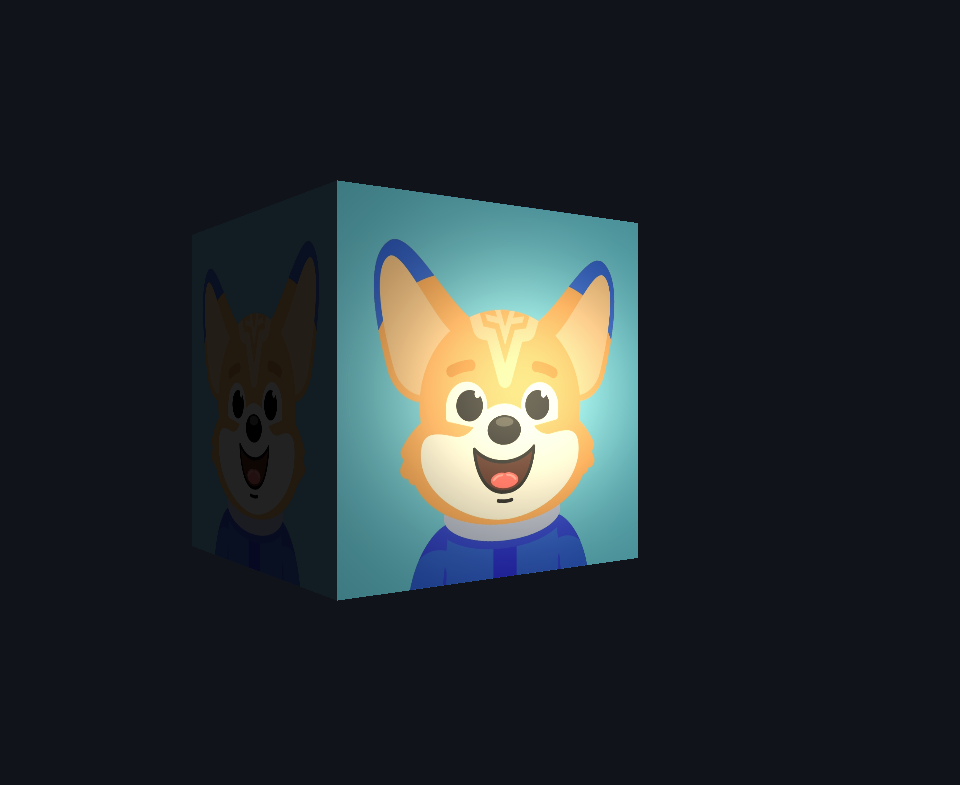
Lighting Textured Materials
Introduction
Welcome back to the fifth lesson of Realistic Lighting with the Phong Model! We've built a comprehensive lighting system that brings surfaces to life with ambient illumination, directional diffuse shading, and dynamic specular highlights. Our cube now exhibits convincing material properties that respond realistically to both light sources and camera movement. However, our surfaces still appear as uniform colors, lacking the rich detail and visual complexity we see in real-world materials. In this lesson, we'll bridge the gap between lighting and texturing by learning how to apply our Phong lighting calculations to textured materials. Instead of lighting solid colors, we'll illuminate detailed surface patterns, creating objects that combine the visual richness of textures with the three-dimensional realism of proper lighting. This integration represents a crucial step toward photorealistic rendering, where surface detail and lighting work together to create compelling visual experiences.
Understanding Material Colors vs Lighting
The key insight in combining textures with lighting lies in understanding the distinction between material color and lighting calculations. In our previous lessons, we used fixed colors like vColor as the base material that received lighting. Now, textures provide spatially varying material colors that change across the surface, giving us different base colors at each pixel location. The lighting calculations themselves remain unchanged: we still compute ambient, diffuse, and specular components using the same mathematical relationships. However, instead of multiplying a uniform color by our lighting factors, we multiply the texture color sampled at each fragment's UV coordinates. This approach creates surfaces where lighting reveals texture details naturally: highlights accentuate texture features, shadows hide them, and the overall three-dimensional form emerges through the interaction of surface detail and illumination. The texture essentially becomes our material's diffuse color, providing the base appearance that lighting then enhances with depth and realism.
Sampling Textures in Fragment Shader
Our fragment shader now samples texture colors to provide material information for lighting calculations, replacing the uniform colors we used in previous implementations.
The texture(uTexture, vUV) function samples the bound texture at the interpolated UV coordinates, returning the color stored at that location. We extract only the RGB components with .rgb, ignoring any alpha channel for our current lighting calculations. The sampled texColor becomes our base material color, replacing the uniform vertex colors we used previously. The interpolated vUV coordinates ensure that each fragment samples the appropriate location in the texture, creating smooth color transitions across triangle surfaces. Our lighting vectors N, L, V, and R are computed exactly as before, maintaining the same Phong lighting mathematics we've already mastered.