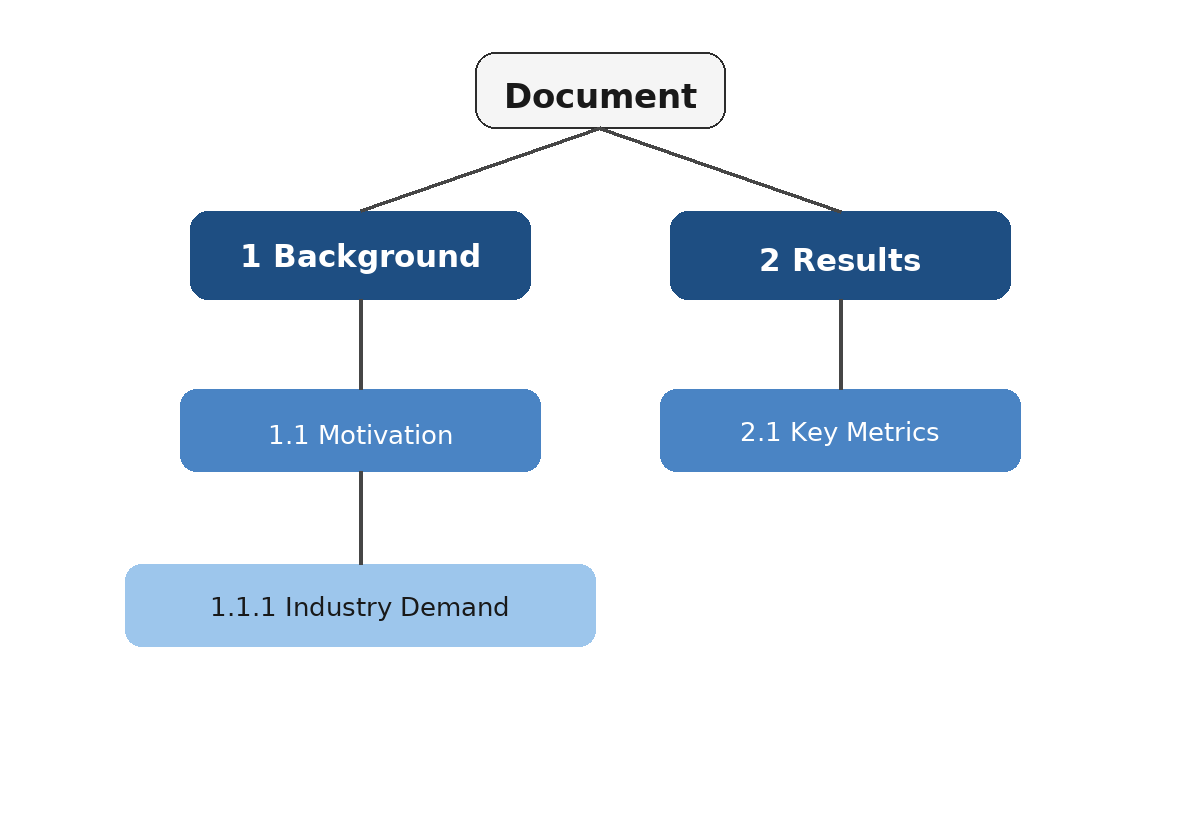
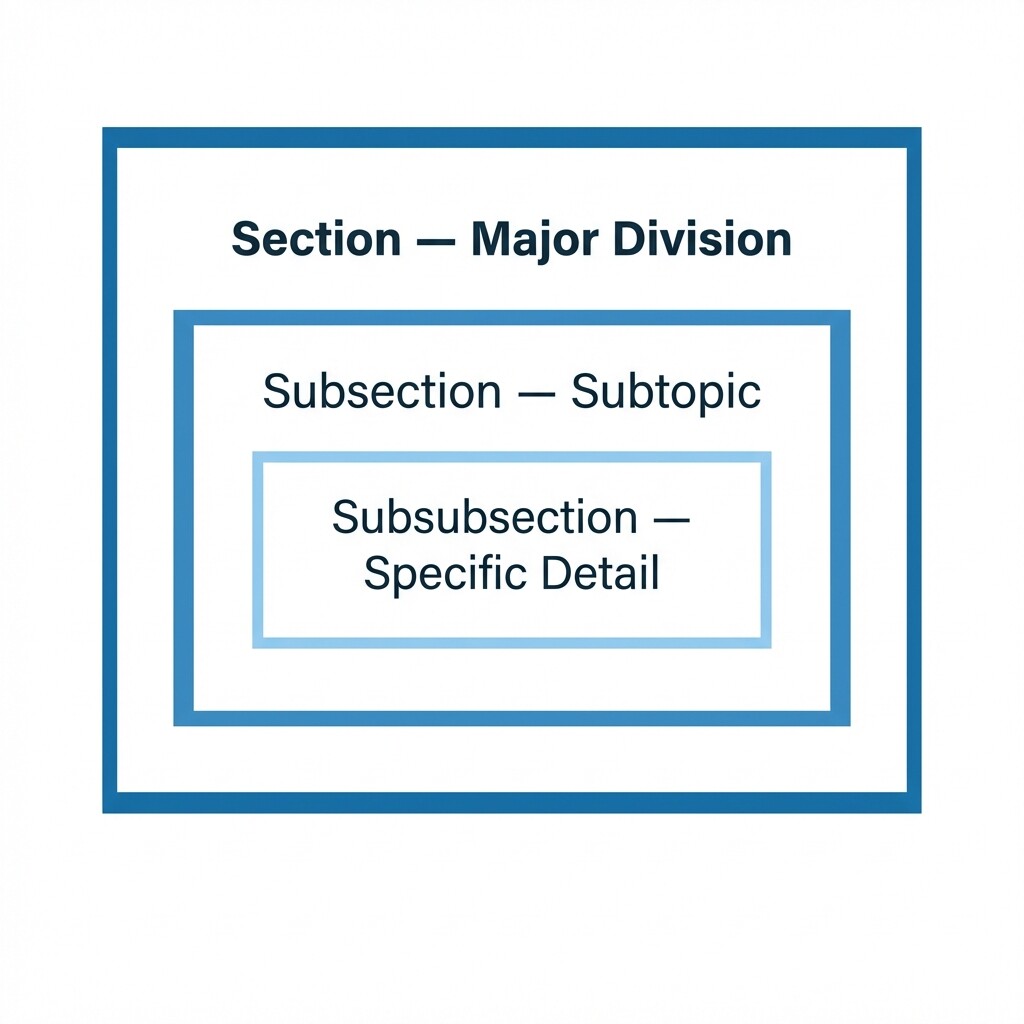
Welcome to Document Structure and Layout, the second course in your LaTeX learning path! In the previous course, you built a solid foundation with basic documents, text formatting, and alignment. Now you are ready to take the next step: organizing your writing into well-structured, professional documents. In this first lesson, we will explore how to divide a document into sections, subsections, and subsubsections, giving your work a clear heading hierarchy with automatic numbering.
Think about any book, report, or article you have read. It is almost certainly broken into titled parts — chapters, sections, or numbered headings. Without this structure, even well-written content becomes a wall of text that is hard to navigate.
LaTeX was designed with this need in mind. Instead of manually typing heading numbers and formatting them by hand, LaTeX provides dedicated commands that handle both the visual formatting and the numbering for you. This means you can focus on your content while LaTeX keeps your headings consistent and correctly numbered, even as you add or rearrange parts of your document.
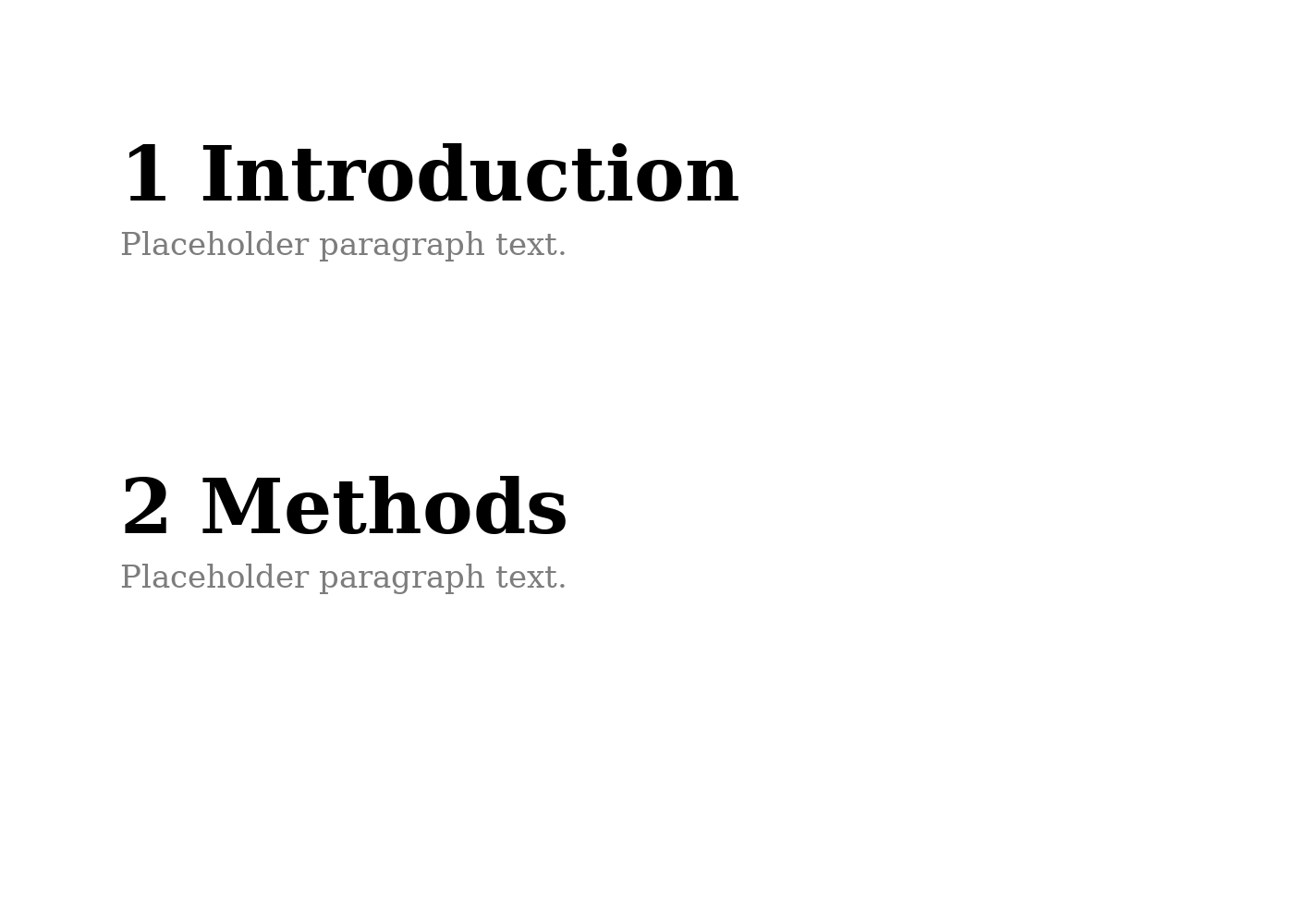
The highest everyday heading level in a standard LaTeX article is the section. You create one by placing the \section{} command in your document body, with the heading title as its argument. Here is a minimal example:
When compiled, LaTeX produces two numbered headings, 1 Introduction and 2 Methods, each in a larger, bold font. Notice that you never typed the numbers yourself — LaTeX assigned them automatically in the order the sections appear.
Inside a section, you will often want to break content into smaller topics. The \subsection{} command creates a second-level heading nested under the current section:
In the compiled output, these headings appear as 2.1 Data Collection and 2.2 Analysis (assuming "Methods" is section 2). The numbering scheme uses a dot to show the parent-child relationship: the first number is the section, and the second is the subsection within it.
For finer detail, LaTeX offers a third level: \subsubsection{}. This creates a heading nested under the current subsection:
The compiled result produces headings numbered 2.1.1 Online Surveys and 2.1.2 Interviews. Each additional level adds another dot-separated number, making the hierarchy easy to follow at a glance.
Now let's see all three levels working together in a single document. This is the kind of structure you will use regularly when writing reports, proposals, or articles:
When compiled, the output displays the following heading structure:
Every number is generated automatically. If you later add a new section before "Background," all subsequent numbers shift forward without any manual editing on your part.

One of the most practical benefits of LaTeX sectioning is that numbering is entirely automatic. LaTeX maintains internal counters for each heading level. Each time you use \section{}, the section counter increases by one, and the subsection counter resets to zero. Likewise, each \subsection{} increases the subsection counter and resets the subsubsection counter.
This means you can freely reorder, insert, or remove sections and LaTeX will always produce the correct numbering on the next compilation. As you learned in the previous course, compiling your document turns your source into a polished PDF, so any structural changes are reflected immediately.
A common question for beginners is: when should I use a subsection versus a new section? A good rule of thumb is to think about whether the topic is a major division of your document or a supporting detail within a larger topic.
- Section — a main topic or chapter-like division (e.g., Introduction, Methods, Conclusion).
- Subsection — a distinct subtopic within a section (e.g., Data Collection under Methods).
- Subsubsection — a specific point or category within a subsection (e.g., Online Surveys under Data Collection).
Keeping your hierarchy logical helps readers find information quickly and gives your document a professional feel. When in doubt, ask yourself whether the reader would expect the content to appear as a peer of the surrounding headings or nested beneath one of them.
In this lesson, you learned how to organize a LaTeX document using \section{}, \subsection{}, and \subsubsection{}. These three commands create a clear, numbered heading hierarchy that LaTeX manages for you automatically. With just these tools, you can turn a flat block of text into a well-structured report, article, or project document.
Up next, you will put this knowledge into practice. In the exercises that follow, you will build heading hierarchies from scratch — starting with simple section-and-subsection pairs and working up to a complete multi-level project status report. Give each task a try before moving on to see how LaTeX numbering responds to your structure choices.