Cloud Networking Basics
Your Own Private Space Inside a Shared Cloud 🏢
In this lesson, you will learn to:
- Explain virtual networks and subnets.
- Distinguish public and private addressing and the routes that affect reachability.
- Use firewall rules and ports to limit access deliberately.
You now have machines and storage. What you do not yet have is any account of how a request from someone's browser actually finds your server, or why some of your servers should be impossible to reach at all. That is networking, and in the cloud it starts with a single idea: even though the provider's hardware is shared among thousands of customers, the network you build on it is yours alone.
That private space is called a virtual network. Think of it as renting a floor in a large office building. The building is shared, the lifts are shared, but your floor has its own numbered rooms and its own locked door, and nobody from another floor wanders in. Inside your virtual network you choose a range of internal addresses, and every resource you create there gets an address from that range. Traffic from other customers cannot reach into it.
The names differ by provider. On Amazon Web Services and Google Cloud it is called a Virtual Private Cloud, shortened to VPC. On Microsoft Azure it is called a Virtual Network, shortened to VNet. Same concept, three labels, and knowing all three saves confusion when someone from another team says "put it in the VNet."
Subnets, Public and Private Addresses, and Firewall Rules 🛡️
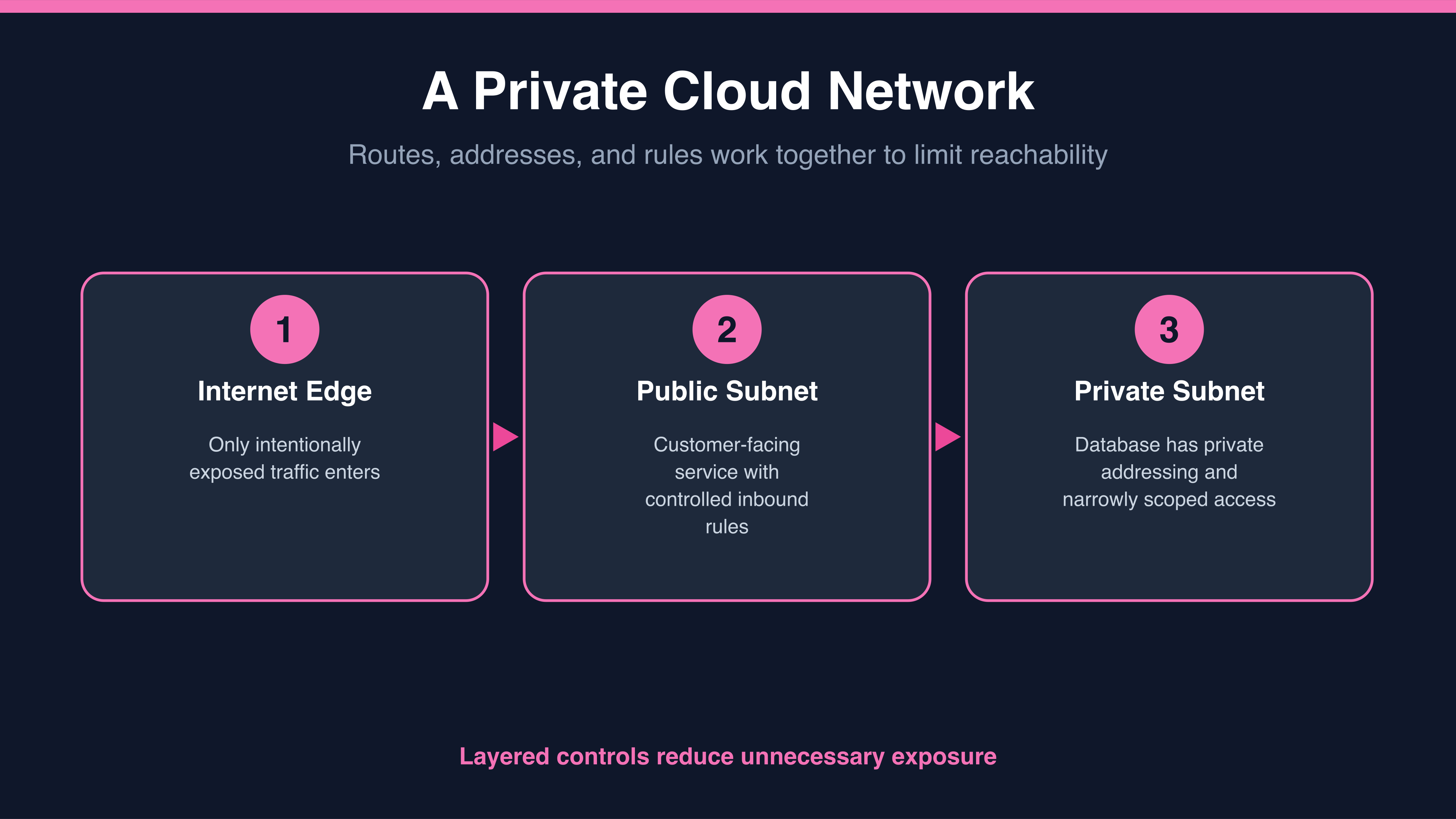
Your floor is one space, but you do not want everything in one room. A virtual network is therefore divided into smaller address ranges called subnets. Each subnet holds a group of resources that should be treated alike. Conventionally, a public subnet has routing — the rules that decide where its traffic may travel — that can reach an internet gateway, the doorway between your virtual network and the public internet, and may hold customer-facing services, while a private subnet is designed for resources such as databases that should not be directly reachable from the internet.
Reachability depends on several controls working together. A public address can make a resource addressable from the internet when its subnet route and firewall rules also allow it. A private address works only inside your virtual network, more like a room number that means nothing to someone standing on the pavement. A resource without a public address is not directly addressable from the internet, and private routing plus restrictive firewall rules provide additional protection.
On top of that sit firewall rules, sometimes called security groups or network security groups depending on the provider. These are the explicit instructions that permit or block traffic: this kind of traffic, from these sources, to these destinations. Inbound defaults and preconfigured rules vary by provider and network setup, so you should explicitly restrict inbound access to only the sources and ports a workload requires.
Jessica, a product colleague, asks Natalie, a cloud advisor, how a web service can safely reach a database that is not publicly addressable.
- Jessica: So if the database has no public address, how does the website talk to it at all?
- Natalie: From inside. The web server sits in the same virtual network, so it reaches the database on its private address.
- Jessica: And the internet can't do that because...
- Natalie: There's no path. You can't dial a number that doesn't exist on the public phone book. Plus a firewall rule that only accepts traffic from the web server's subnet.
- Jessica: Two locks, then. No public address, and a rule saying who's allowed even internally.
Notice how Natalie pairs the two protections. No public address removes the route; the firewall rule limits who may use the routes that do exist.
