Choosing Cloud Storage Wisely
Object, Block, and File Storage 🗄️
Compute is only half the picture. A virtual machine, a container, or a cloud function all need somewhere to put data, and cloud providers do not offer one kind of storage. They offer three, shaped differently because applications reach data in different ways. Choosing the wrong one is rarely catastrophic, but it usually shows up later as a surprising bill or an awkward limitation.
In this lesson, you will learn to:
- Distinguish object, block, and file storage by access pattern.
- Select a storage type for common application scenarios.
- Choose an object-storage tier based on retrieval frequency and cost trade-offs.
Three Ways to Organize Data 🧩
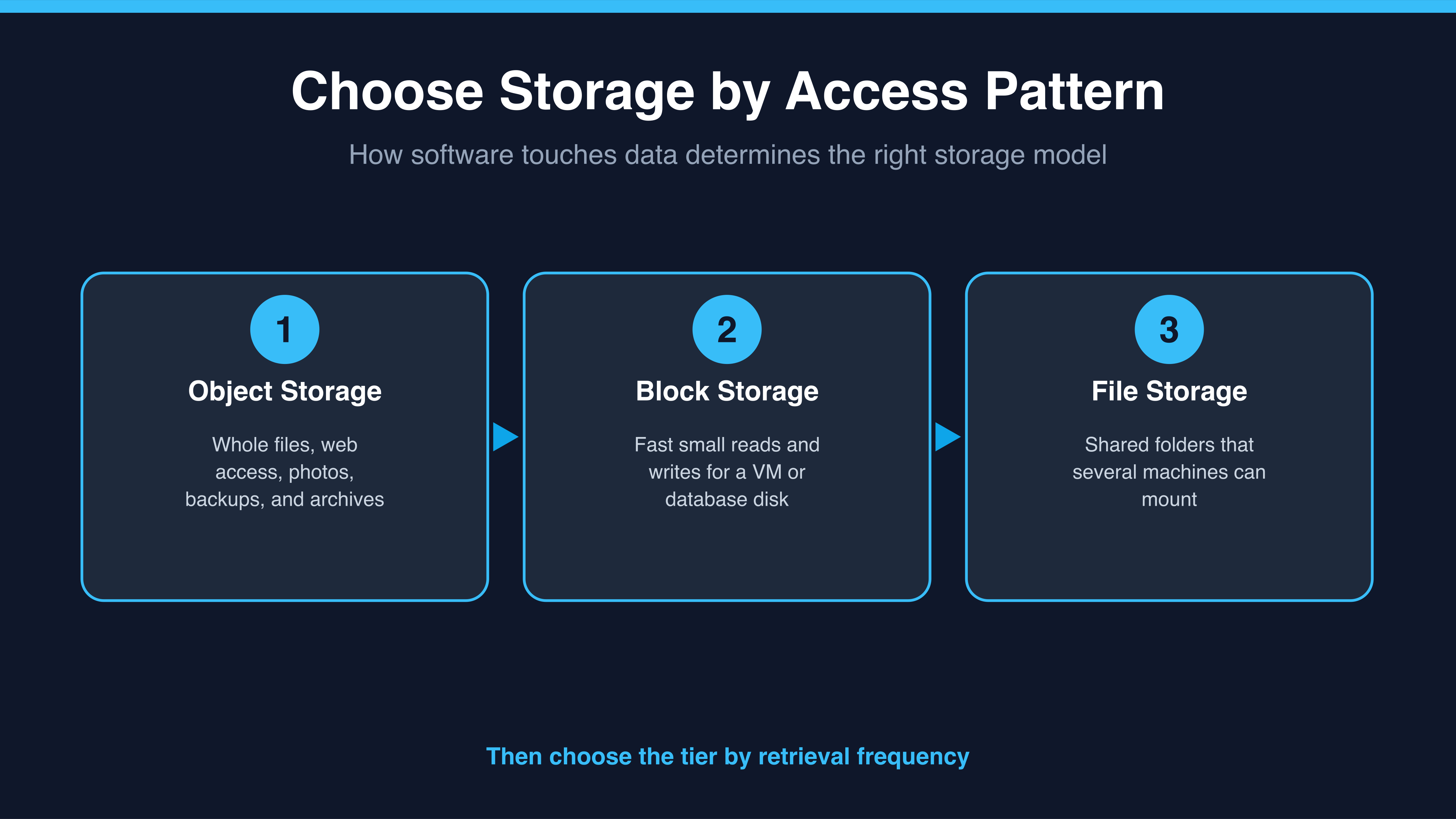
Object storage treats each item as a whole thing with a name, an identifier, and some descriptive information attached. You put a file in, you get it back by its identifier, and you cannot edit the middle of it: you replace it. It is reached over the web, and it grows essentially without limit. This is where photos, backups, and the static files of a website live. On Amazon Web Services it is Amazon S3, on Microsoft Azure it is Azure Blob Storage, and on Google Cloud it is Google Cloud Storage.
Block storage behaves like a disk attached to one machine. The data is split into fixed-size chunks, called blocks, and the operating system on that machine writes and rewrites them directly. That direct, fast, small-piece-at-a-time access is exactly what a database needs, and it is also what your virtual machine boots from. The services are Amazon EBS (Elastic Block Store), Azure Managed Disks, and Google Persistent Disk. The important constraint is that a block volume is normally attached to a single machine at a time.
File storage is the familiar shared folder, with directories and files, that several machines can mount at once and see the same contents. When three servers, or three people, need the same folder open simultaneously, this is the answer. Amazon EFS (Elastic File System), Azure Files, and Google Filestore all provide it.
Jessica, a product colleague watching the budget, asks Natalie, a cloud advisor, why database files need block storage instead of cheaper object storage.
- Jessica: Why can't we just put the database files in object storage? It's cheaper.
- Natalie: Because a database rewrites tiny pieces of a file thousands of times a second. Object storage doesn't let you edit part of an object; you replace the whole thing.
- Jessica: And block storage does let you?
- Natalie: That's its whole job. It behaves like a disk. The trade is that it attaches to one machine, so it's not a shared folder.
- Jessica: So the question isn't cost first. It's how the data gets touched.
Notice what Natalie does there. She does not compare prices; she compares how the application reaches the data, because that determines which type is even viable.
