Creating Arrays and Reading Their Positions
Introduction
Welcome to Storing and Updating Lists with JavaScript Arrays. We’re starting with the basics of arrays, where we’ll learn to keep related values together and find the ones we need. Today, we’ll create an array, read values by position, count its contents, and see what JavaScript returns when a position is beyond the end. These ideas will help us make sense of lists before we start changing them.
What Is an Array
Sometimes one value is not enough. A delivery route, for example, can include several stops that belong together. An array stores multiple values in a specific order. We write an array with square brackets, separating its values with commas. Unlike a single string, which holds text as one value, an array can hold each piece of text as a separate value.
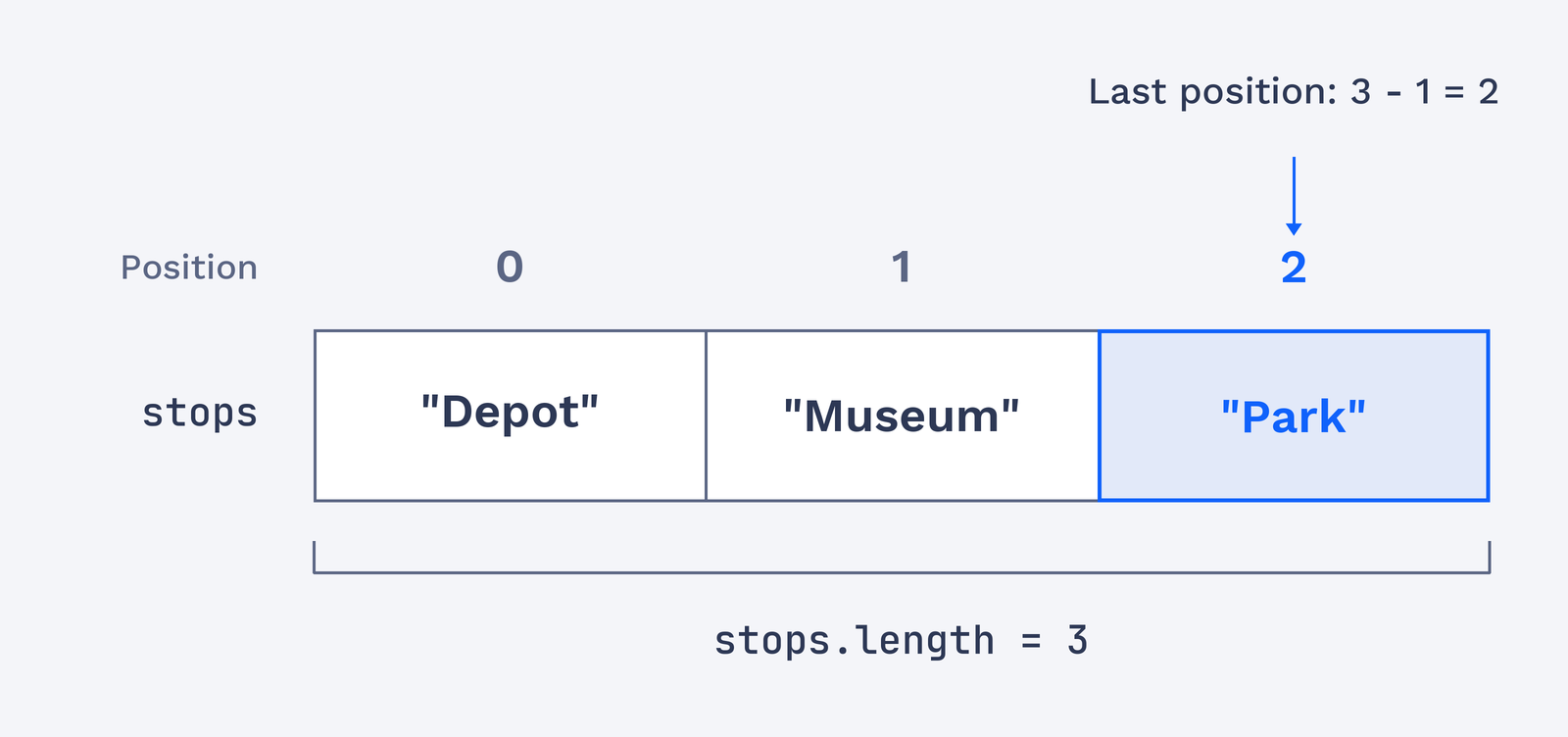
Here, stops refers to an array containing three strings. Their order matters: “Depot” comes first, “Museum” second, and “Park” third. We’ll use this small route to explore how array positions work.
Reading Positions With Brackets
As you may recall from working with strings, string positions start at zero. Array positions work the same way. We use square brackets after the array’s name, placing the position we want inside the brackets. This lets us read the first value or any other value at a known position.
This program reads the character at position 0 from the string, then the values at positions 0 and 1 from the array. The output shows each value on its own line.
The first statement reads the character at position 0 in "route", just as the second reads the value at position 0 in stops. The third reads the value at position 1, the next array value. In both strings and arrays, counting positions starts at zero.
Counting With length
We can use .length to count the values in an array. This is familiar from working with strings: for the ASCII strings used here, this property counts characters; for our arrays, it counts values.
This program prints the array’s length using .length. The output shows that the array contains three values.
The array has three values, so stops.length is 3. This is the count of values, not the position of the final one. That difference matters when we want to read the last value.