Cloud Service Translation
Same Service, Different Name 🧭
This lesson teaches you to translate cloud service names into capabilities and make deliberate portability choices.
In this lesson, you will learn to:
- Match equivalent compute, storage, database, function, network, container, and analytics services across major providers.
- Explain vendor lock-in and identify design choices that make a workload easier or harder to move.
- Distinguish multicloud from hybrid cloud and evaluate when a second provider is justified.
Once an organization has a natural default provider, a new problem appears almost immediately: everyone around you talks about the cloud in a different dialect. A supplier's proposal mentions S3, a colleague who came from a Microsoft shop says Blob Storage, and an article you read describes Cloud Storage. All three are the same idea wearing different badges. Learning to hear past the brand names is one of the quickest ways to sound competent in a room full of stakeholders, and it sets up the more important question underneath: how hard would it be to move later?
The Same Handful of Building Blocks, Renamed 🔎
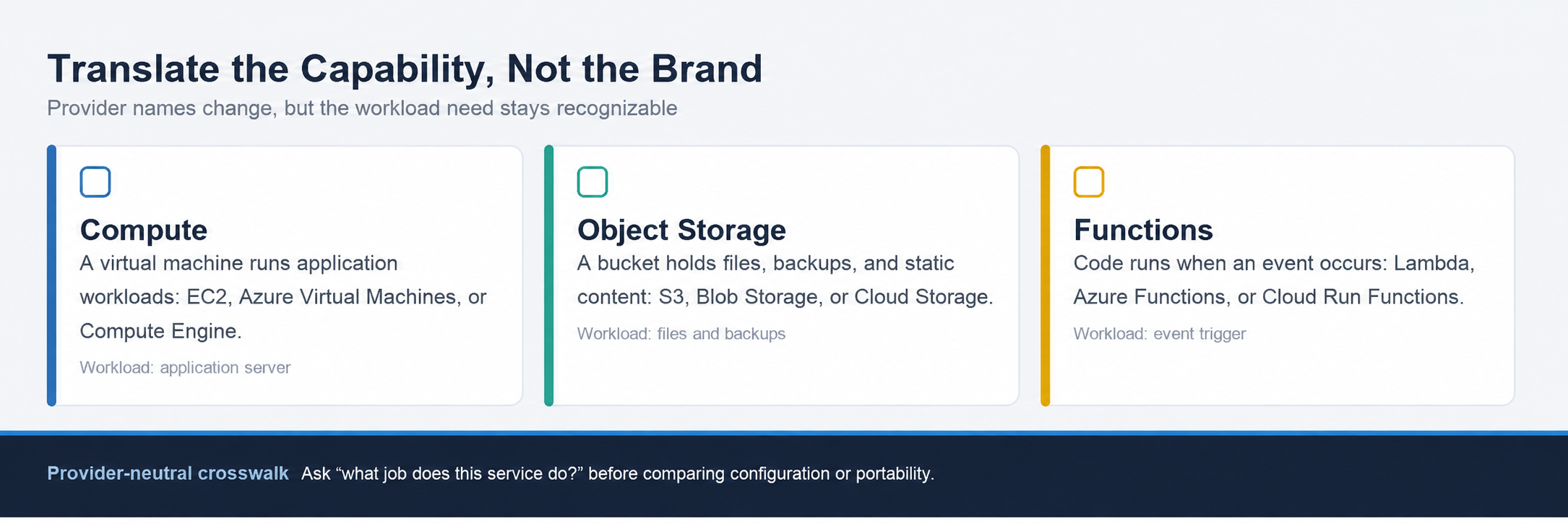
Underneath the marketing, the three big providers sell a broadly similar set of building blocks, but each one gives those capabilities a different name. Use the capability first, then translate the label:
| Capability | Amazon Web Services | Microsoft Azure | Google Cloud |
|---|---|---|---|
| Virtual machine | Amazon EC2 | Azure Virtual Machines | Compute Engine |
| Object storage | Amazon S3 | Azure Blob Storage | Google Cloud Storage |
| Managed relational database | Amazon RDS | Azure SQL Database | Google Cloud SQL |
| Cloud functions | AWS Lambda | Azure Functions | Google Cloud Run Functions |
| Private network | Virtual Private Cloud (VPC) | Virtual Network (VNet) | Virtual Private Cloud (VPC) |
| Managed Kubernetes | EKS | AKS | GKE |
| Data warehouse | Amazon Redshift | Azure Synapse Analytics | Google BigQuery |
A virtual machine is a software-based computer you rent by the hour. Object storage is the bucket-style place you put photos, backups, and static website files. A managed relational database stores data in tables of rows and columns while the provider handles patching and backups. Managed Kubernetes starts and spreads containers across many machines. The table is a translation aid, not a promise that configuration, limits, or migration work are identical.
You do not need to memorize this as a table. What you need is the habit of asking, whenever someone says a product name, "what job does that do?" Once you can answer that, translation across providers is close to automatic.
Here, Simone, a business stakeholder, asks Chris, a cloud adviser, to translate a supplier's cloud-service proposal.
- Simone: The proposal quotes S3 and Lambda. We're an Azure shop. Does that mean the whole thing is unusable?
- Chris: Not at all. S3 is object storage, so on Azure that's Blob Storage. Lambda is code that runs when something triggers it, which is Azure Functions.
- Simone: So it's the same design, just different labels?
- Chris: The shapes match. The exact settings and limits differ, so someone still has to redo the configuration. But nobody's rewriting the application from scratch.
Notice that Chris translates the capability first and only then names the real work involved. That second half is where the next concept lives.
