Creating Visual Prompts
Creating Visual Content with Text Prompts
Welcome to the heart of AI image generation — crafting text prompts that bring your vision to life! AI-generated visuals aren't just about cool pictures — they can spark new design ideas, enhance marketing campaigns, or even help you imagine entire story worlds. Mastering how to direct AI with clear instructions can significantly amplify both your creativity and efficiency. In this lesson, you'll learn how to write vivid descriptions, experiment with artistic styles, and apply best practices to create stunning visuals. Let's turn your words into exactly the image you imagine!
Crafting Effective Descriptions for Desired Images
Think of your prompt as a movie director's script: The AI needs clear, specific instructions to "act" out your idea. Here's how to build better prompts:
-
Be Specific:
- ❌
"A dog"→ Too vague. - ✅
"A golden retriever puppy playing in a sunflower field at sunset, soft focus, warm golden lighting."
- ❌
-
Add Context:
- Include settings (
"on a misty mountain"), actions ("dancing in the rain"), or emotions ("peaceful autumn morning").
- Include settings (
-
Use Style Keywords:
- Specify
"oil painting","8-bit pixel art", or"cinematic poster".
- Specify
Example Transformation:
- Basic:
"A castle." - Enhanced:
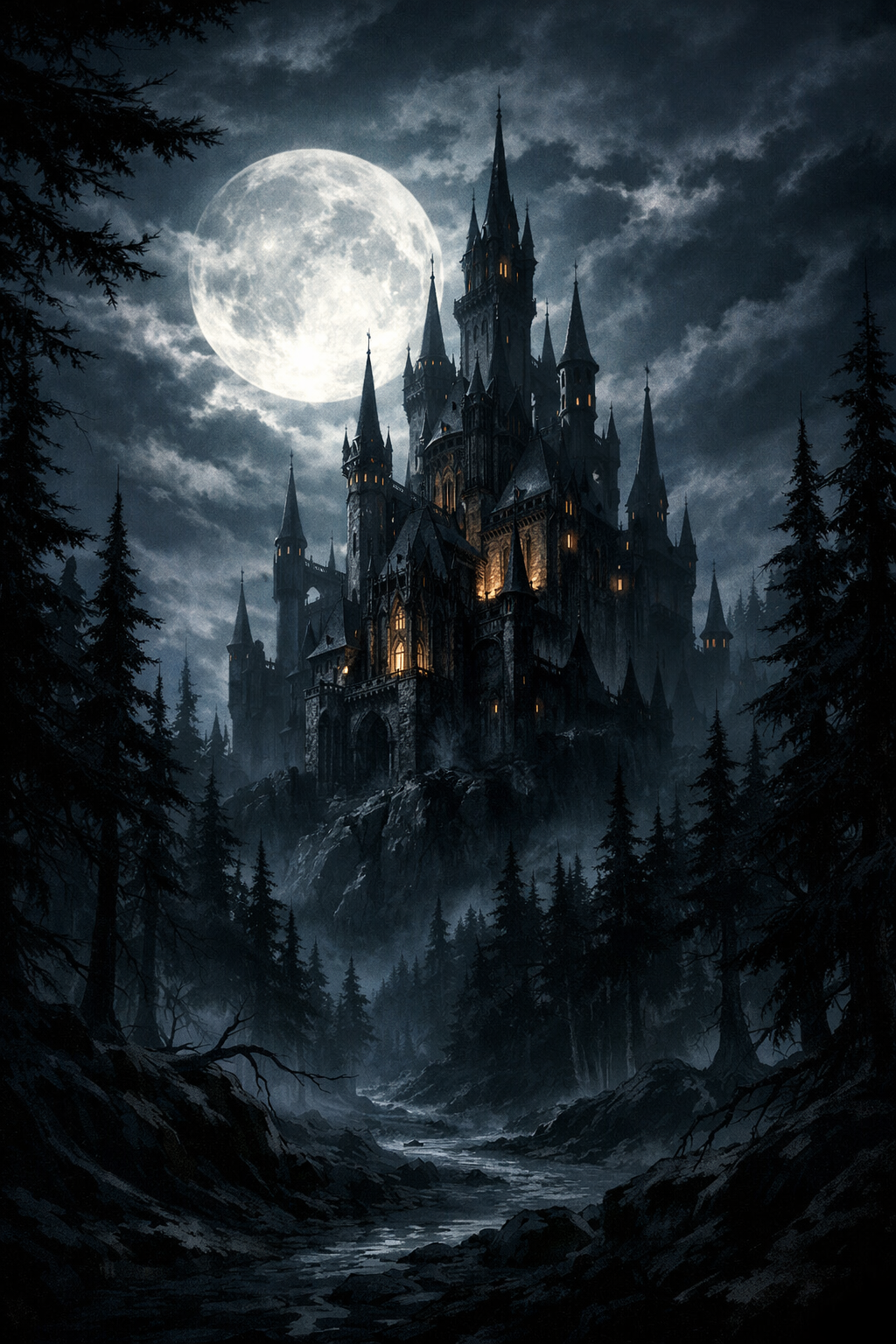
"A gothic castle with towering spires, surrounded by a moonlit forest, digital art style with dramatic shadows."
Result
Here is the resulting image for this prompt by GPT:
Experimenting with Different Styles and Themes
AI tools let you explore endless creative directions. Mix and match these elements:
Popular Styles to Try:
| Style | Example Prompt |
|---|---|
| Realistic | "Photorealistic portrait of a warrior, detailed armor, battlefield background" |
| Watercolor | "A cottage garden with blooming roses, soft watercolor textures, pastel colors" |
| Cyberpunk | "Neon-lit Tokyo street at night, rainy futuristic cityscape, cyberpunk aesthetic" |
Themes to Explore:
- Fantasy:
"A dragon guarding a treasure hoard in an ancient cave, glowing crystals" - Vintage:
"A 1950s diner with retro neon signs, vintage comic book style" - Minimalist:
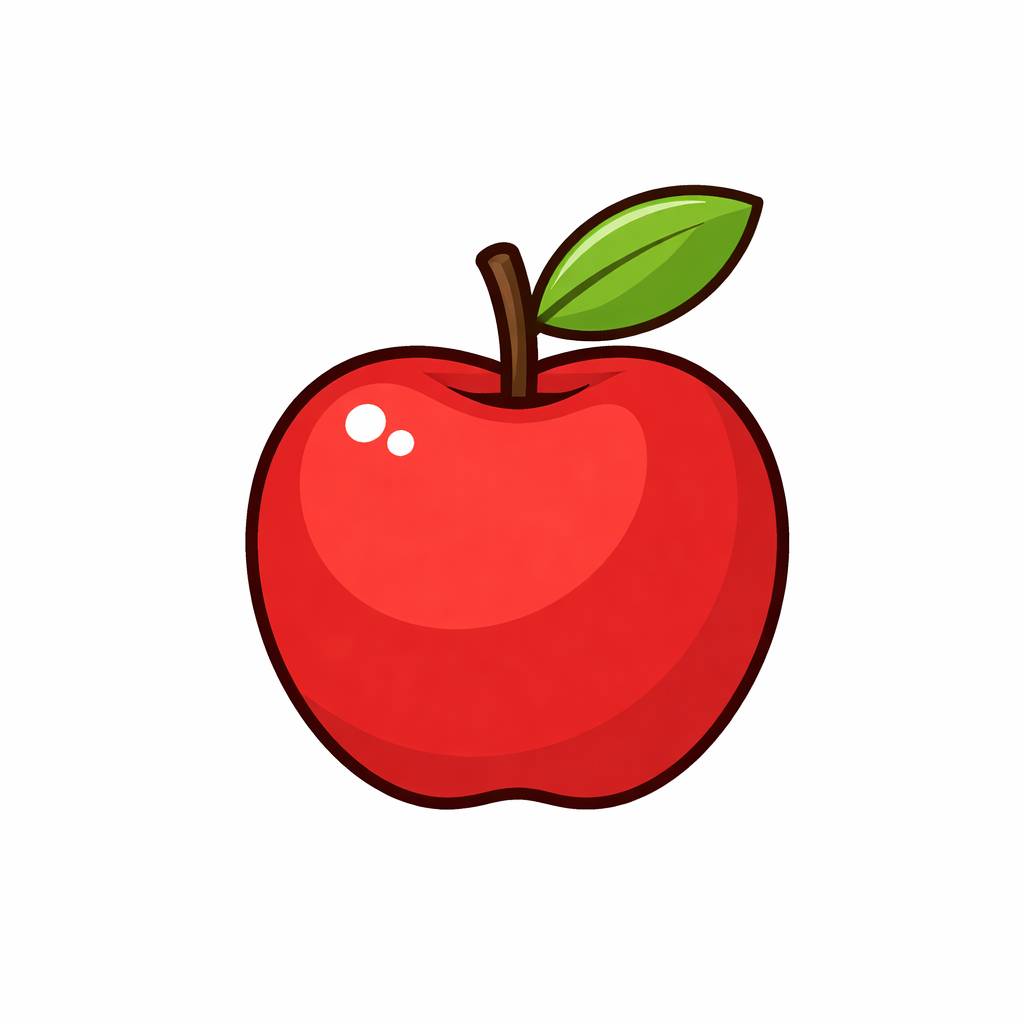
"A single red apple on a white background, flat vector illustration"
Pro Tip: Combine styles and themes for unique results — e.g., "A steampunk robot in a lush jungle, oil painting style."