Understanding PATH Resolution
Introduction: The Question We Left Hanging
Welcome back to Homebrew and Your zsh Environment. We are halfway through the course, on Unit 3 of six, and we return to the loose thread from last time. We proved that the real wget file lives in Homebrew's versioned Cellar directory, buried several directories deep. Yet typing plain wget works from our home folder, from /tmp, from anywhere at all.
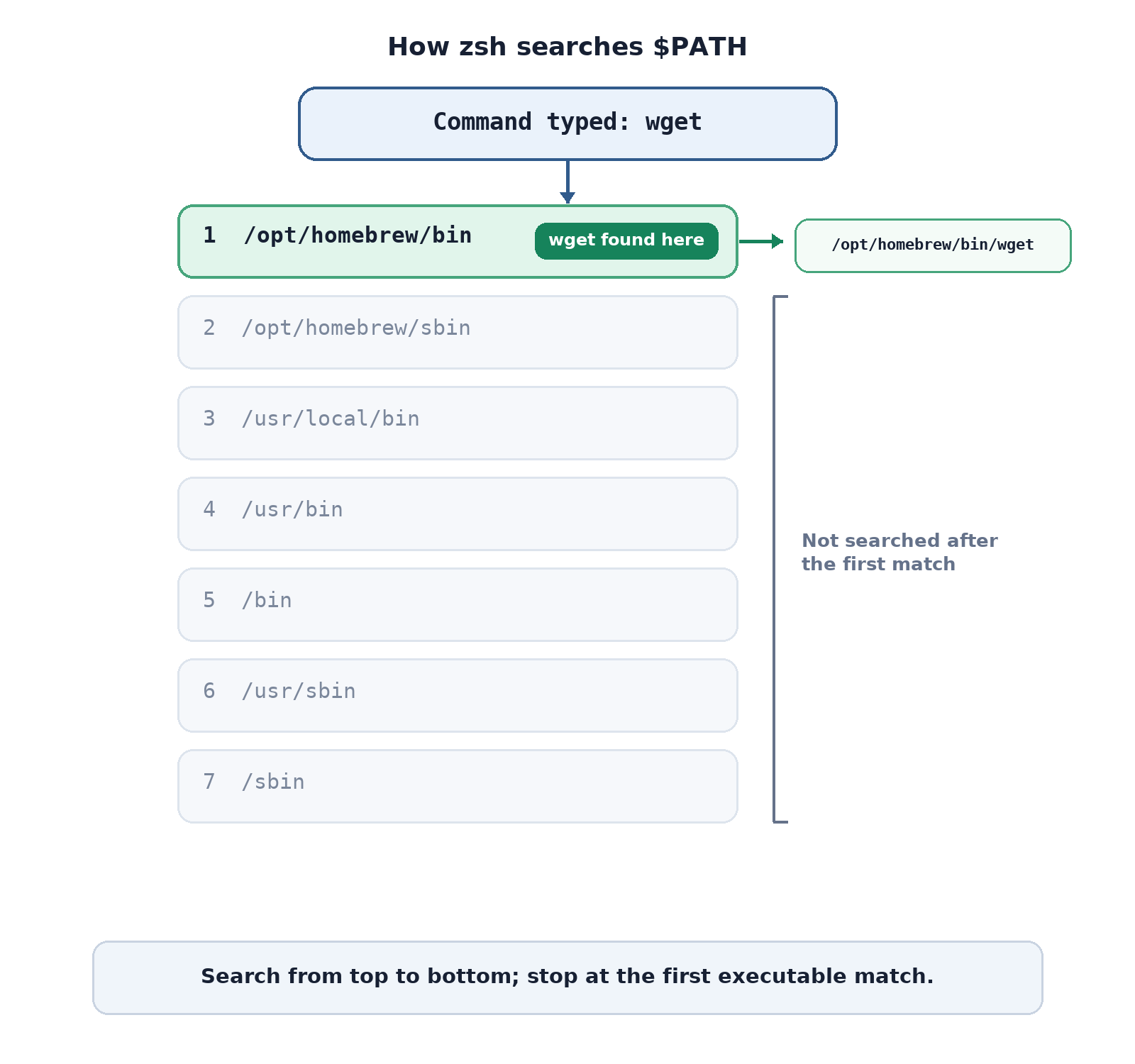
So this unit answers exactly one question: How does typing a name run a program? The answer has two halves:
$PATH, an ordered list of directories that the shell searches;- three small tools,
which,command -v, andtype, that prove what any name resolves to.
Apart from a single setup install, every command here only reads and reports. And command -v should ring a faint bell: we met it briefly back in the file-management course.
Setting the Stage: One Installed Tool
Before we can resolve a real command name, we need a real command on disk. So we begin with the same stage-setting move as the previous unit:
wget is very likely already present from Units 1 and 2, and, as we have seen twice now, re-running brew install on an installed formula changes nothing: Homebrew just reports that it is already up to date.
This step is not the subject of the lesson; it simply guarantees that when we ask the shell to resolve the name wget later, we get a genuine file path back instead of an error.
$PATH Is One Long String
With a tool in place, we can look at the thing that makes bare names work. $PATH is an environment variable: a named value the shell keeps around and consults constantly.
Two details in this small command deserve attention:
- The
$prefix means give me the value of this variable, soecho "$PATH"prints the contents, not the wordPATH. - The double quotes keep the value as one argument, which is the habit we adopted in the previous course for every expansion.
It is one unbroken string, with colons doing the separating. Honestly, this form is hard to read, which is what the next command fixes.
Splitting the String Into Directories With tr