Understanding System Integration
Welcome to the Course 🎉
Cloud applications work when separate systems exchange the right data at the right time.
In this lesson, you will learn to:
- Explain integration as the work of getting separate systems to exchange data reliably
- Distinguish manual file transfer, scheduled batch jobs, direct database access, interface calls, and events
- Identify the costs of poor integration: re-keyed data, stale information, and errors that reach customers
What Integration Actually Means 🔗
Here's the move to make first when someone describes a problem to you: ask which two systems are involved and what needs to travel between them. That single question turns a vague complaint into a design conversation.
Integration is the work of getting separate systems to exchange data reliably. That's it. A company buys a customer relationship management tool (a CRM, the system that holds customer and contract details) because it's good at customers. It buys a billing system because that one is good at invoices. It buys a warehouse system because that one is good at stock. Each is excellent at its job and none of them knows the other exists. So when a customer signs a contract, somebody or something has to carry those details into billing, and when billing raises an invoice, something has to carry that into the accounting ledger.
The word doing the heavy lifting in that definition is reliably. Data moving is easy. Data moving every time, in the right shape, without silently dropping half of it, is the engineering problem.
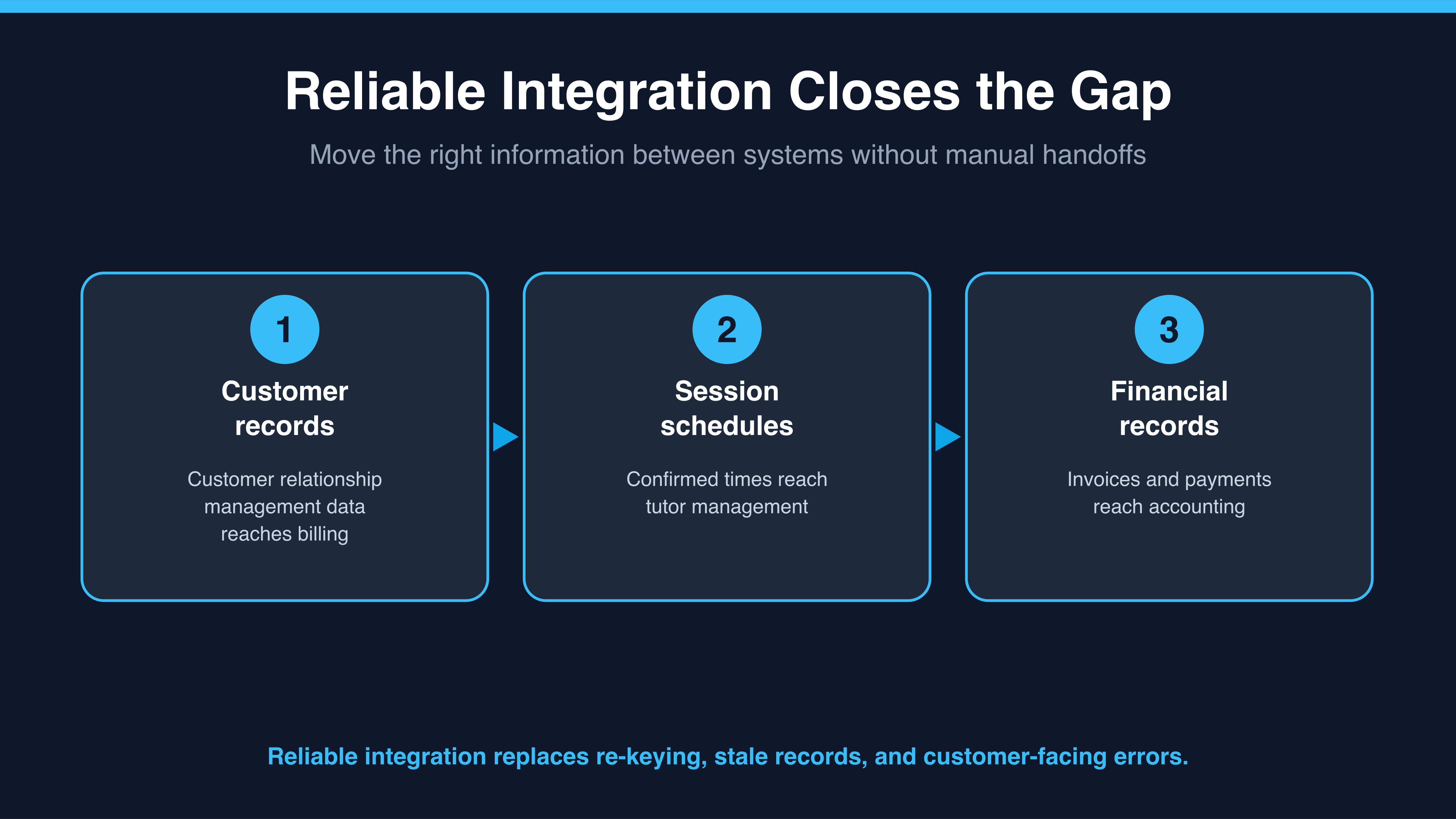
At Tutor Bright, customer details flow from CRM to billing, confirmed session times reach tutor management, and invoices and payments reach the accounting ledger.
- Jessica: Finance says its accounting ledger still has invoices from Monday. Is billing broken?
- Ryan: Probably not. What actually moves invoices and payments from billing into the accounting ledger?
- Jessica: I think someone exports a spreadsheet on Fridays and emails it over.
- Ryan: Then nothing is broken. The connection is a person and a calendar. The accounting ledger can be up to five days behind, by design.
- Jessica: So the fix isn't in either system.
- Ryan: Right. The fix is in the gap between them.
Notice what Ryan did there. He didn't diagnose a system. He asked what carries the data, and the answer explained the symptom on its own.
