Crafting Effective Prompts for Image Generation
Introduction to Crafting Effective Prompts
Welcome back! In the previous lesson, you learned how to generate a simple image using Google's Gemini API and its Nano Banana image model. Now, we will delve deeper into the art of crafting effective prompts to achieve desired image outputs. Crafting a well-thought-out prompt is crucial because it directly influences the quality and relevance of the generated image. In this lesson, we will explore the key components of a prompt: subject, context, and style. Understanding these components will empower you to create more detailed and specific prompts, leading to more accurate and visually appealing images.
A guiding principle for Gemini's image models is worth keeping in mind from the start: describe the scene, don't just list keywords. These models have deep language understanding, so a coherent, descriptive sentence almost always produces a better image than a string of disconnected words.
Understanding Prompt Components
A prompt is essentially a textual description that guides the image generation process. It consists of three main components: subject, context, and style. The subject is the primary focus of the image, such as a cat or a landscape. The context provides additional details about the setting or environment, like a bustling city at night. The style defines the artistic approach, such as digital art or watercolor painting. Each component plays a vital role in shaping the final image.
For example, a simple prompt like "A cat" might generate a generic image of a cat. However, by adding context and style, such as "A black cat sitting on a windowsill overlooking a bustling city at night, in the style of digital art," you can create a more vivid and specific image. This detailed prompt provides the model with more information, resulting in a richer and more accurate output.
Example: Crafting and Testing Prompts
Let's walk through the code provided in app/solution.py to see how different prompts affect the generated images. The code initializes the Gemini client using your API key and defines a list of prompts with varying levels of detail. For each prompt, the code uses the generate_content method to request an image from the Gemini API.
As you can see, the code iterates over each prompt, generating an image for each one. The level of detail in the prompt directly affects the complexity and specificity of the generated image. By experimenting with different prompts, you can observe how the model interprets and visualizes the descriptions.
The use of timestamps in the file naming process serves two important purposes. First, it ensures that each generated image has a unique filename, preventing files from being overwritten when saved to the same directory. Second, the timestamp provides a simple and effective way to sort and track images by the order in which they were generated, which can be useful for debugging or analyzing model performance over time.
A Cat:
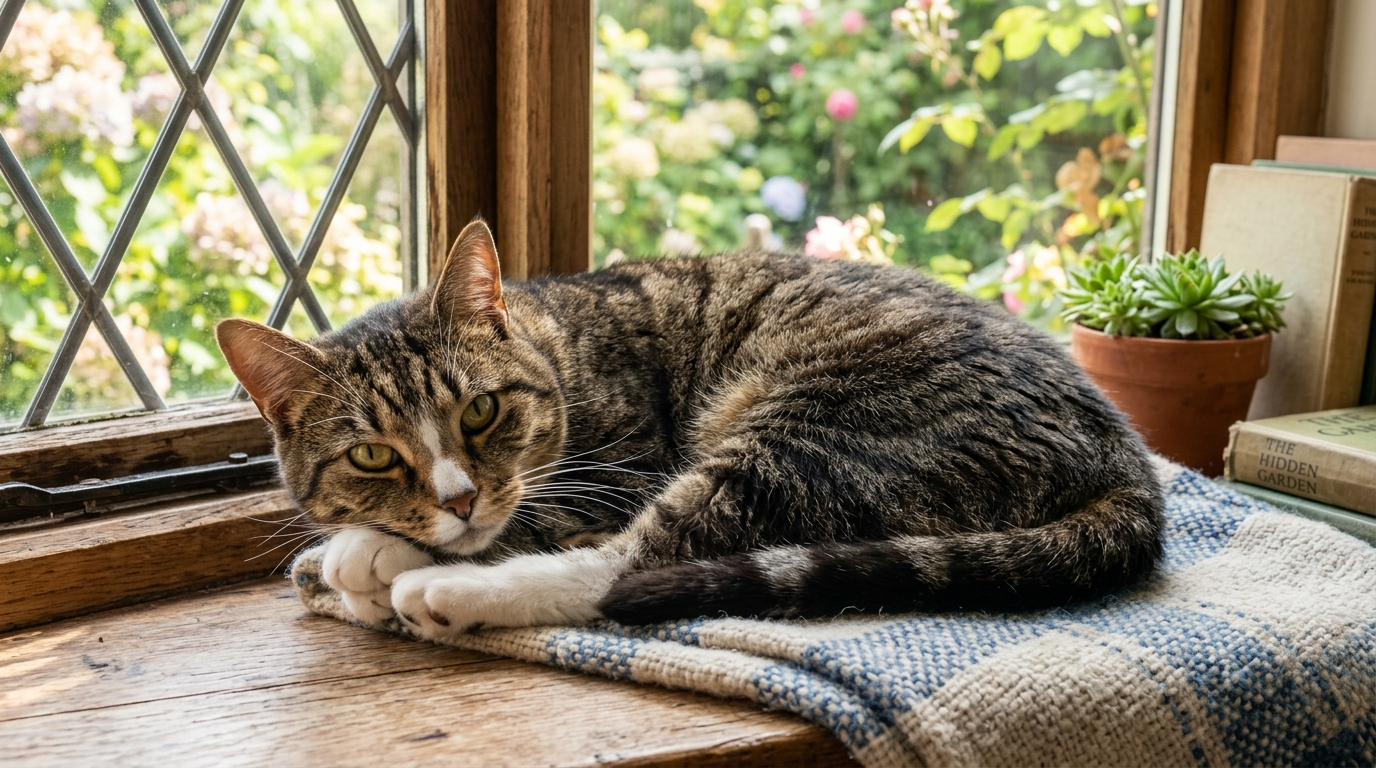
A black cat sitting on a windowsill overlooking a bustling city at night, in the style of digital art: