Understanding Containers
Understanding Containers 📦
You've just seen how a virtual machine gives you a whole software-based computer, sized by processor cores, memory, disk, operating system, and region. That's a lot of machine to carry around when all you really want to run is one application. Containers came about because teams kept noticing the same thing: most of what they were shipping and maintaining was the surrounding computer, not the software they cared about.
In this lesson, you will learn to:
- Define containers and container images.
- Compare containers and virtual machines, including operating-system sharing, startup speed, and isolation.
- Identify suitable use cases and trade-offs for containers versus virtual machines.
What a Container Actually Is 🧰
A container is your application packaged together with everything it needs to run: the code itself, the libraries it depends on, and the settings it expects. That bundle is saved as a container image, a kind of sealed, portable template. When you start the image, you get a running container.
Here's the part that makes containers different from virtual machines. A virtual machine brings its own complete operating system along for the ride. A container does not. It borrows the operating system of the machine it runs on, sharing that single operating system with all the other containers on the same host. Think of a virtual machine as a self-contained caravan with its own kitchen, plumbing, and heating, and a container as a flat in an apartment building: it has its own front door and its own furniture, but the building's plumbing and heating are shared.
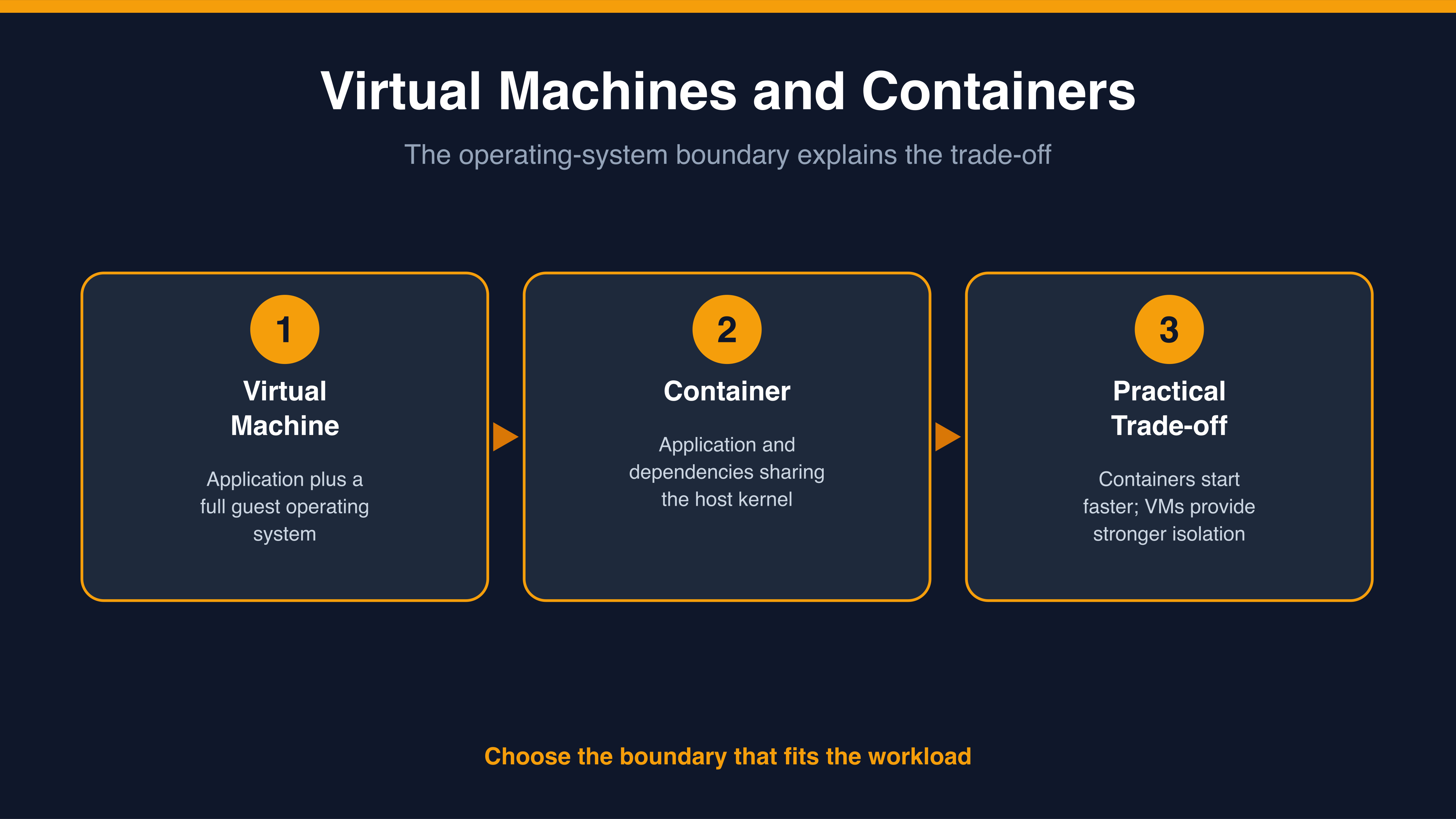
That packaging is what solves the oldest complaint in software: "it works on my machine." If the application and its dependencies travel together inside one image, the same image can provide consistent dependencies across compatible environments. Runtime configuration, secrets, networking, storage, and external services still need to be set appropriately for each environment.
One more term you'll hear constantly. Once a team is running dozens or hundreds of containers, something has to decide which machine each one runs on, restart the ones that crash, and add more when traffic rises. That job is called orchestration, and the widely used system that does it is Kubernetes.
Jessica, a product colleague, asks Natalie, a cloud advisor, to explain why a container is not simply a small virtual machine.
- Jessica: So a container is just a small virtual machine, right?
- Natalie: Close, but the difference matters. A virtual machine carries its own full operating system. A container borrows the one already running on the host and shares it with the other containers.
- Jessica: And that's why people say they're lighter?
- Natalie: That's exactly why. Less to package, less to boot. The image only holds your app and what it needs, not a whole computer.
- Jessica: So if I hand you that image, it runs the same on your laptop as it does in production?
- Natalie: That's the whole point of it.
Notice that Natalie never argues about which one is better. She anchors everything to one distinction: who owns the operating system.
