Comparing Python Values
Introduction
Welcome back to Performing Operations on Python Data! So far, we have crunched numbers with arithmetic operators, glued text together using concatenation and f-strings, and combined those pieces to solve real-world formula problems. Each of these tasks produced either a number or a string as its result.
In this lesson, we will teach our programs a brand-new trick: answering yes-or-no questions like "Is this value larger than that one?" or "Are these two values equal?" To do that, we will introduce a new value type called the Boolean, along with six new operators that produce it. Let's dive in!
Meet the Boolean type
Before we compare anything, we need to know what a comparison returns. In Python, the answer to a yes-or-no question is a Boolean: a value that is either True or False, with no middle ground. Think of it as a light switch that is either on or off, or the answer to a question like "Is it raining?" — there are only two possibilities.
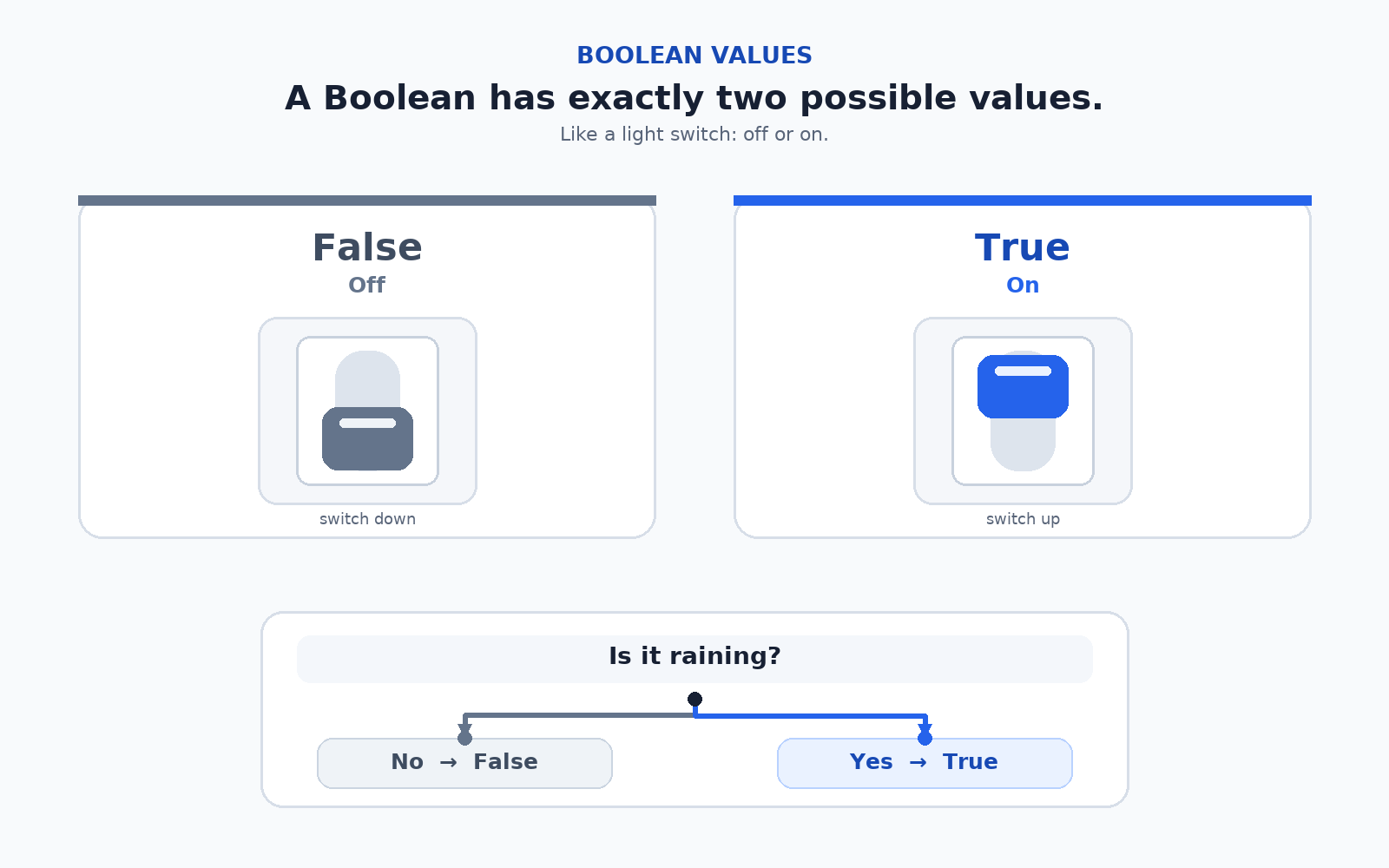
Booleans are just as real as numbers or strings. They have their own type, called bool, and we can print or inspect them just like any other value:
The first line prints the value True, and the second line reveals Python's official name for the Boolean type:
Notice that True and False are written with capitalized first letters and without quotes around them. Writing them as "True" would create a string instead, which is a completely different kind of value.
Checking equality with == and !=
Now that we know what Booleans look like, let's produce some. The first two comparison operators check whether two values are equal (==) or not equal (!=). Let's set up two variables and put them to work:
Since 20 and 25 are different numbers, price == budget evaluates to False, and price != budget evaluates to True. Here is what Python prints:
One subtle but common mistake is that == (double equals) compares two values, while = (single equals) assigns a value to a variable. Mixing them up is a rite of passage for every Python learner, so watch for it closely as we go.
Ordering values with <, >, <=, and >=
Equality is only half the story. Often, we care about which value is larger or smaller. Python gives us four ordering operators that mirror the math symbols you already know: <, >, <=, and >=. Continuing with price = 20 and budget = 25:
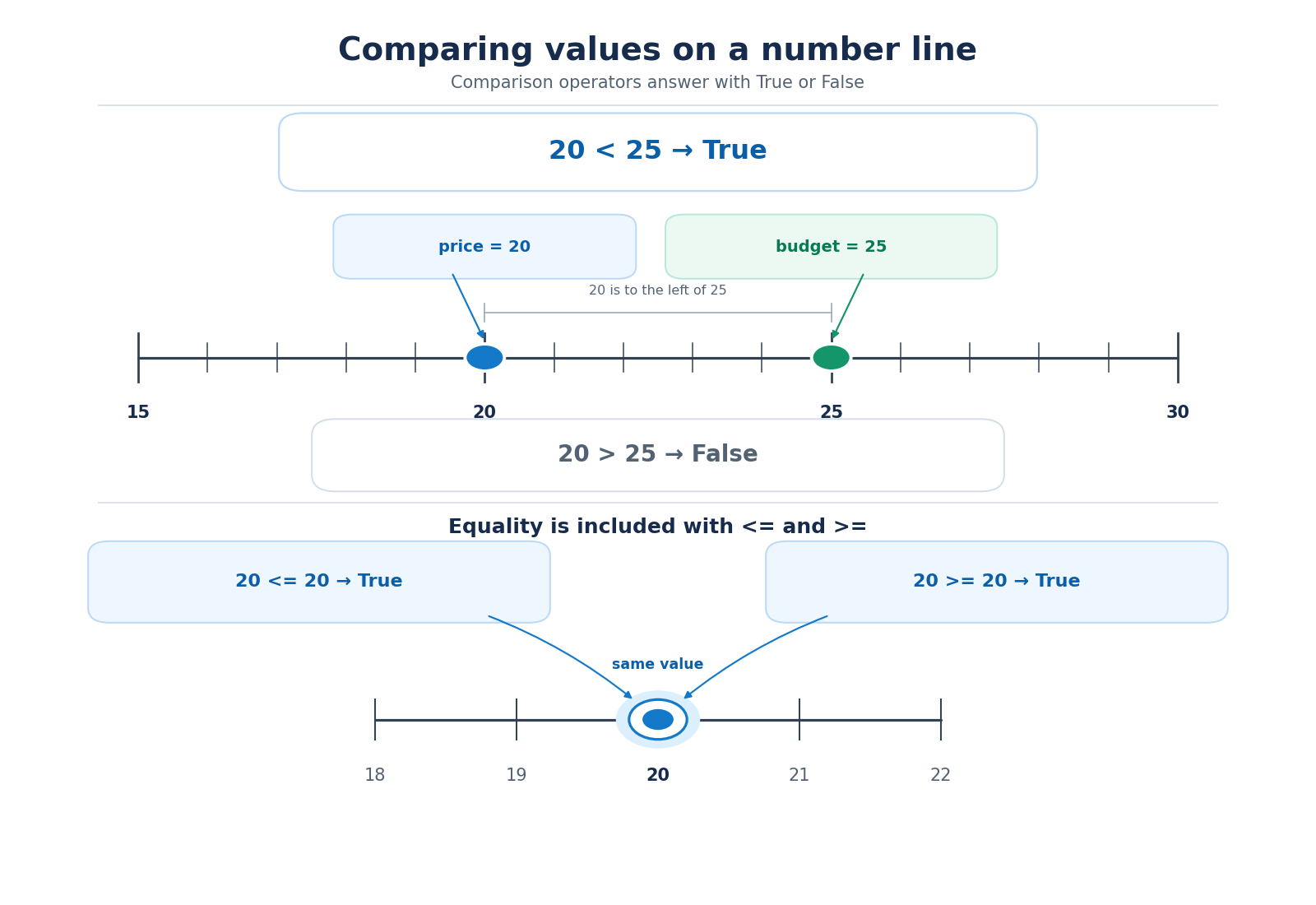
Each line evaluates to a Boolean. Note that <= and >= include the equality case, which is why comparing price (which is 20) with the literal 20 yields True on both of the last two lines:
Storing comparison results in a variable
Since a comparison produces a regular Boolean value, we can store that value in a variable just like a number or a string. This is incredibly handy when we want to reuse the result later or give it a meaningful name:
Here, price <= budget evaluates to True (since 20 <= 25), and that Boolean is saved into affordable. Notice the variable name: it reads like a yes-or-no question, which is an excellent habit to build for Boolean variables. Printing it yields:
Comparing strings
Comparison operators are not restricted to numbers. We can also compare strings, most commonly with == to check whether two pieces of text match exactly:
Both strings contain the same letters in the same order, so the result is True:
One thing to watch for: string comparison is case-sensitive. For example, "Apple" == "apple" would be False because uppercase A and lowercase a are treated as entirely different characters. Keep an eye on capitalization whenever you compare text.
Conclusion and next steps
Great work! We have added a whole new value type to our toolbox, the Boolean, and learned that its only two values are True and False. We also explored the six comparison operators (==, !=, <, >, <=, >=), saw how each one produces a Boolean, and confirmed that these results can be printed or stored in variables just like any other value. Furthermore, we noted that strings can be compared as well, with case-sensitivity as a small detail to remember.
Now, it is your turn: a set of hands-on practices is waiting for you, where you will write your own comparisons on numbers and strings and watch Booleans light up your output. Next, we will take things a step further by combining multiple comparisons using logical operators. Let's get comparing!
