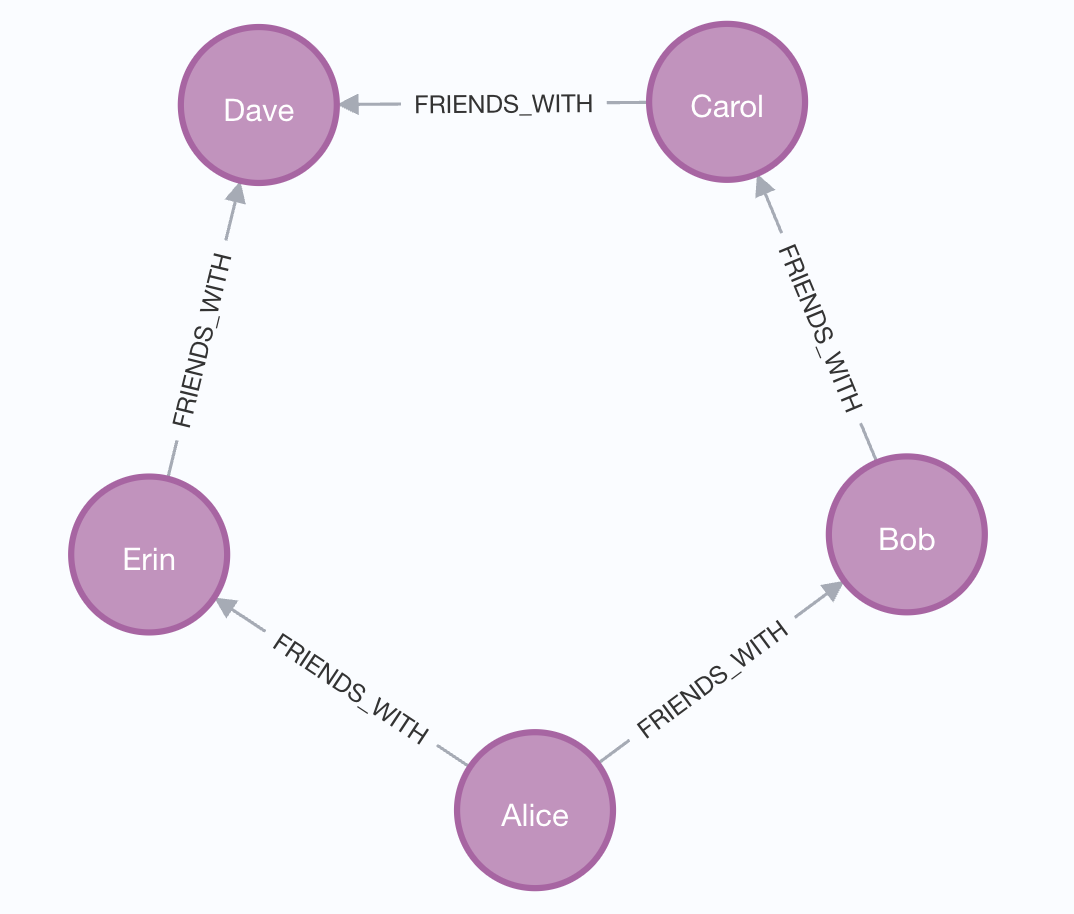
Following Relationships in Graphs
Introduction
Welcome to the fourth unit of Introduction to Graph Databases with Neo4j! We've come a long way since we started exploring graph databases. In our previous lessons, we learned how to find nodes using MATCH, retrieve specific properties with RETURN, and filter results using the WHERE clause. These skills let us ask questions about individual nodes in our ConnectHub network.
But here's the thing: what makes graph databases truly powerful isn't just the nodes themselves; it's the relationships between them. After all, social networks are fundamentally about connections. Who knows whom? Who's friends with whom? How are people connected through chains of relationships? In this lesson, we'll learn how to traverse these connections and discover the network structure that ties our users together.
Why Relationships Matter
When we think about social networks like ConnectHub, the most interesting questions aren't about isolated users. We want to know about connections: Alice's friends, mutual connections between people, or how two users might be linked through others. These are the kinds of insights that make social networks valuable.
Traditional databases struggle with these questions because they weren't designed to navigate connections efficiently. Each hop between entities requires expensive joins that slow down as the data grows. Graph databases, however, are built specifically for this purpose. Relationships are first-class citizens in the graph model, stored directly and optimized for traversal. This means we can explore networks of connections with elegant queries that remain fast even as our data scales.
The Arrow Syntax for Relationships
In Cypher, we use a visual arrow syntax to follow relationships between nodes. This syntax is intuitive and mirrors how we might draw connections on paper. The basic pattern looks like this:
The arrow shows the direction of the relationship, pointing from the start node to the end node. The relationship type appears in square brackets with a colon, similar to how we specify node labels. This visual representation makes our queries readable and self-documenting.
When we want to follow a relationship without caring about its direction, we can use a simple dash on both sides: (node1)-[:TYPE]-(node2). However, when direction matters, as it often does in social networks, we use the arrow to be specific about which way the relationship points.
Just like nodes, relationships can be given a variable name inside the square brackets, placed before the colon. This lets you reference the relationship itself in RETURN statements or filter on its properties with WHERE:
Here, r is bound to the relationship, so we can access its properties just as we would a node's. In this example, we filter on a since property stored on the relationship itself and return it alongside the friend's name.