Styling the Personal Tutor Interface with CSS
Styling the Personal Tutor Interface with CSS
Welcome to the final lesson of our "Developing a Personal Tutor Web Application With Rust, Axum, and Askama" course! In the previous lesson, you enhanced your personal tutor application by adding query suggestions, making it more user-friendly and efficient for students.
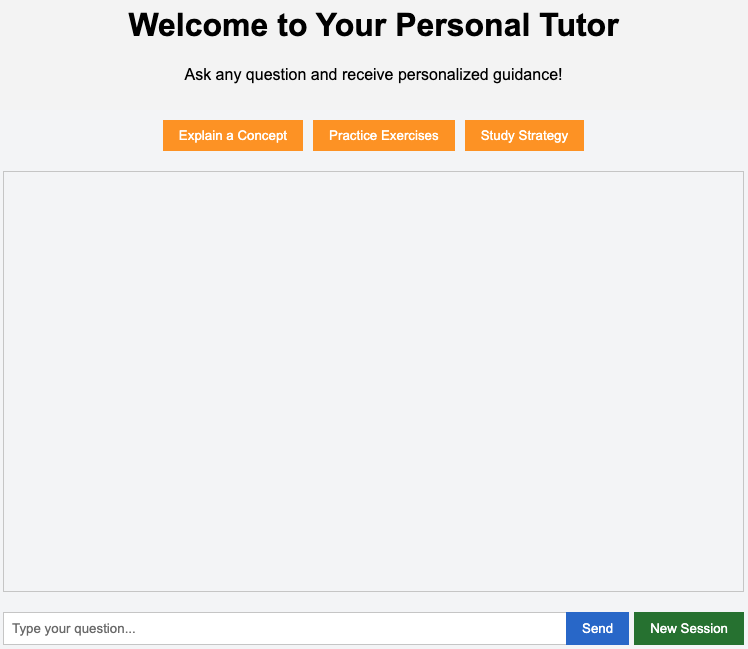
Today, we will complete our application by focusing on styling the interface to make it visually appealing and professional. Styling is crucial in educational web applications, as it enhances the learning experience by providing a clean and intuitive interface. We will use CSS to achieve this, ensuring that our tutor application not only functions well but also looks great.
Setting Up the Static Directory in Axum
To style our personal tutor interface, we first need to create a directory for our static files, such as CSS. This directory will be served by our Axum application so that browsers can access the CSS file.
-
Create the Static Directory: Within your project directory (for example,
deepseek_tutor), create a folder namedstatic. This is where we'll store our CSS file. -
Serve the Static Directory in Axum: Update your main Axum application to serve static files by mounting the
staticdirectory using theServeDirservice from thetower_httpcrate.
Here's a simplified example of how you can do it in Rust:
This code snippet demonstrates how to serve the static directory at the /static URL path. The ServeDir::new("static") function tells Axum to serve files from the static directory, making them accessible to the browser.
Linking the CSS File to Your HTML Template
With the static directory set up, the next step is to create a CSS file and link it to your HTML template.
-
Create the CSS File: In the
deepseek_tutor/staticdirectory, create a file namedtutor.css. This file will contain all the styles for your application. -
Link the CSS File in HTML: Open your
tutor.htmlAskama template and add a<link>tag within the<head>section to link the CSS file. In Askama, you can use a direct path to the static file:
The <link> tag uses the direct path /static/tutor.css to reference the CSS file. This ensures that the styles are applied to the HTML elements. This setup allows your personal tutor interface to be styled effectively using the CSS rules defined in tutor.css.