Parameterising Scripts with Variables
Introduction: One Routine, Many Runs
Welcome back to Automating Tasks with zsh Scripts! With Unit 1 behind us, we can write a file, mark it executable, and run it with ./. That is a real tool, but a rather rigid one: our tidy.zsh had report.txt, archive, and the wording of its confirmation message spelled out directly in the commands. Want to archive a different folder or label the copy differently? We must hunt down every occurrence and edit each one; miss a single spot, and the script keeps running while quietly doing the wrong thing.
This unit fixes that with two habits:
- Name each value once at the top of the script, then refer to that name below.
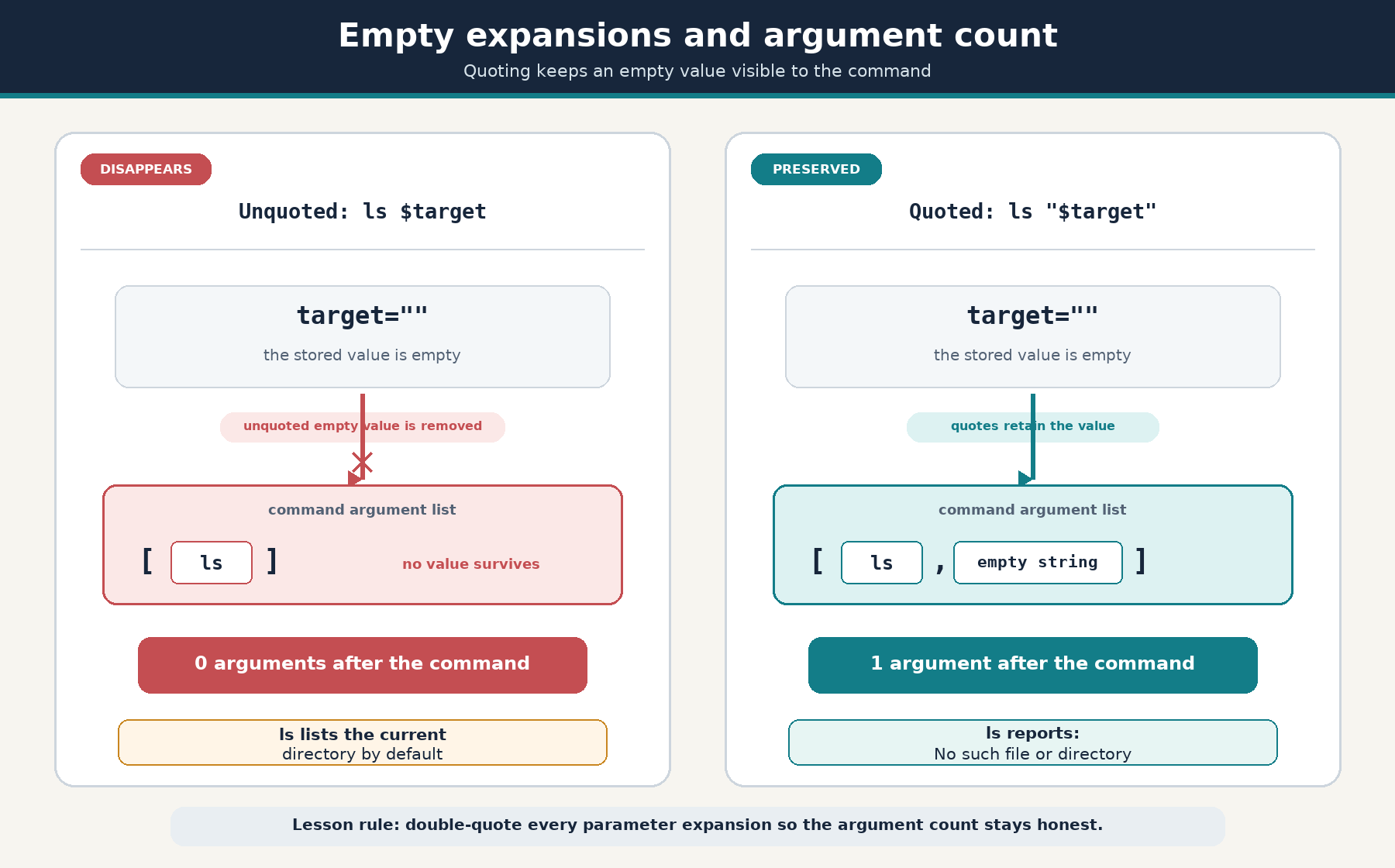
- Double-quote every expansion, so values containing spaces (or no characters at all) behave predictably.
Our running example: archiving a report out of a folder named My Notes under a daily label.
Setting Up a Workspace with a Spaced Directory Name
Scripts act on real files, so we start with a small sandbox. Every command here comes from earlier courses.
There is one deliberate choice worth pausing on: the source folder is called My Notes, with a space in the middle of its name. That space is not decoration; it is what makes the quoting rules later in this lesson visible rather than theoretical. Notice that the space forces quotes even here, both in mkdir and in the redirection target "My Notes/report.txt". As before, rm -R archive 2>/dev/null clears any leftover archive directory and sends the "no such file" complaint to /dev/null, so a rerun looks exactly as clean as a first run.
Assigning Variables: Names, Values, and the No-Spaces Rule
A variable is a name that holds a piece of text. Our script will open with three of them.
The mechanics are strict but simple:
- The form is
name=valuewith no spaces around=. Writingsource_dir = "My Notes"would make zsh readsource_diras a command name and=and"My Notes"as its arguments, producing a "command not found" style error. - Lowercase
snake_casenames are the usual convention for script variables, keeping them visually distinct from environment variables likePATH. - The value is quoted so that
My Notesis stored as one value, space included, instead of being read as two words.
Assignment stores text and nothing more: zsh does not check that the directory exists or run anything. Verification is Unit 3's job.